
MerchMotion Minutes: Turn Your Shopify Catalog into Polished Product Video Ads in Under 10 Minutes
Master the catalog-to-video workflow and quick editor tweaks that boost conversions
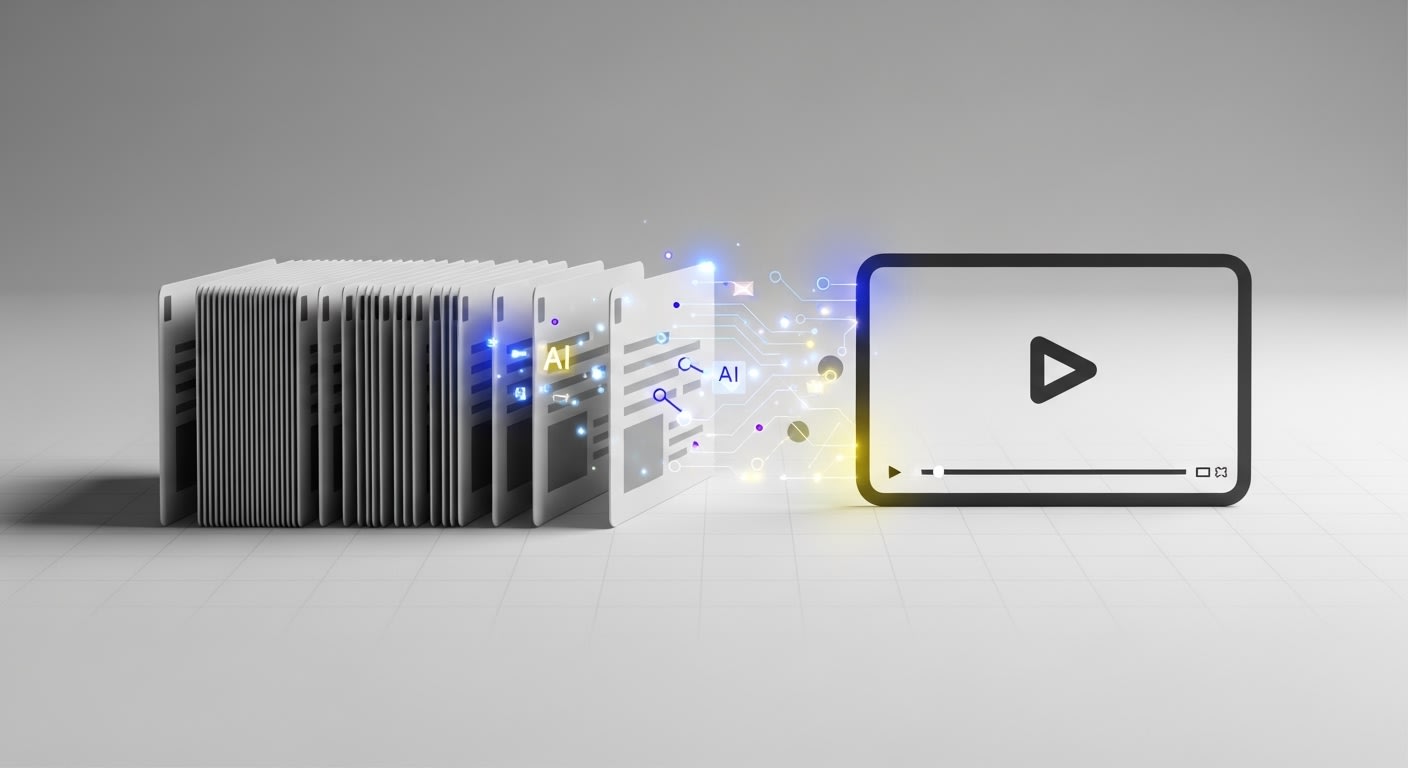
Why Product Videos Matter for Your Shopify Store
In today's fast-paced e-commerce landscape, static product images aren't enough. Shoppers crave dynamic, engaging content that brings products to life. Studies show that product pages with video content see up to 80% higher conversion rates compared to those without.
The challenge? Creating professional product videos traditionally requires:
- 💰 Expensive video production teams
- ⏰ Hours or days of editing time
- 🎨 Advanced design and animation skills
- 🔄 Constant updates as your catalog changes
That's where MerchMotion changes the game. This AI-powered Shopify app transforms your existing product catalog into polished video ads in minutes—no technical expertise required.
The MerchMotion Catalog-to-Video Workflow: A Step-by-Step Guide
Step 1: Connect Your Shopify Catalog (30 seconds)
Once you've installed MerchMotion from the Shopify App Store, the integration is seamless. The app automatically syncs with your product catalog, pulling in:
- Product images and descriptions
- Pricing information
- Variants and specifications
- Brand assets and colors
No manual uploads. No data entry. Just instant access to your entire inventory.
Step 2: Select Products and Choose a Template (2 minutes)
From your MerchMotion dashboard, browse your synced products and select the ones you want to feature. You can create videos for:
- ✨ Individual hero products
- 📦 Product collections or bundles
- 🎯 Seasonal promotions
- 🆕 New arrivals
Next, choose from MerchMotion's library of professionally designed templates. Each template is optimized for different goals—whether you're showcasing features, highlighting benefits, or driving urgency with limited-time offers.
Step 3: AI-Powered Video Generation (1 minute)
Here's where the magic happens. Click "Generate Video" and MerchMotion's AI engine goes to work:
- Analyzes your product images and descriptions
- Creates smooth transitions and animations
- Adds text overlays highlighting key features
- Applies your brand colors and style
- Optimizes for mobile and desktop viewing
In under 60 seconds, you'll have a professional-quality video ready for review.
Step 4: Quick Editor Tweaks for Maximum Impact (5 minutes)
While MerchMotion's AI does the heavy lifting, the built-in editor lets you add your personal touch. Here are the quick tweaks that drive conversions:
🎯 Conversion-Boosting Editor Tips:
- Add urgency: Include countdown timers or "Limited Stock" badges
- Highlight benefits: Replace generic descriptions with customer-focused value props
- Adjust pacing: Speed up or slow down transitions to match your product type
- Include CTAs: Add "Shop Now" or "Learn More" buttons at strategic moments
- Test music: Choose from MerchMotion's royalty-free library to set the mood
The editor is intuitive—drag, drop, and adjust with simple sliders. No timeline complexity or rendering delays.
Step 5: Publish Directly to Your Shopify Store (1 minute)
Once you're satisfied with your video, publishing is one-click simple. MerchMotion automatically:
- 📤 Uploads the video to your product page
- 🎬 Embeds it in the optimal position for visibility
- 📱 Ensures mobile responsiveness
- ⚡ Optimizes loading speed
Your customers see the video immediately—no technical setup required on your end.
Real Results: How Product Videos Increase Conversions
MerchMotion users consistently report impressive results after adding video content to their product pages:
+64%
Average increase in conversion rate
+2.3x
Longer average time on product pages
-41%
Reduction in product return rates
Why do videos work so well? They answer customer questions before they're asked, build trust through transparency, and create an emotional connection that static images can't match.
Beyond Product Pages: Repurpose Your Videos Everywhere
The videos you create with MerchMotion aren't just for your Shopify store. Download them and use across all your marketing channels:
- 📱 Social media ads (Instagram, Facebook, TikTok)
- 📧 Email campaigns and newsletters
- 🎥 YouTube product showcases
- 💬 Customer support and FAQ responses
- 🛍️ Marketplace listings (Amazon, eBay, Etsy)
One 10-minute workflow creates assets you can leverage across your entire marketing ecosystem.
Getting Started with MerchMotion
Ready to transform your Shopify catalog into conversion-driving video content? Here's how to begin:
- Visit the Shopify App Store and search for "MerchMotion"
- Click "Add app" and authorize the integration
- Choose your pricing tier (flexible plans for every business size)
- Follow the quick onboarding to sync your catalog
- Create your first video in under 10 minutes
⏱️ The 10-Minute Challenge
We're so confident in MerchMotion's speed and ease of use, we challenge you to create your first professional product video in 10 minutes or less.
Install MerchMotion NowFrequently Asked Questions
Do I need video editing experience?
Not at all. MerchMotion is designed for merchants with zero video experience. The AI handles the technical work, and the editor is as simple as adjusting a few sliders.
How many videos can I create?
It depends on your pricing tier. Plans range from 10 videos per month to unlimited creation for enterprise stores. Check the pricing page for details.
Can I customize the templates?
Yes! Every template is fully customizable. Adjust colors, fonts, transitions, music, text, and timing to match your brand perfectly.
What video formats are supported?
MerchMotion exports in MP4 format, optimized for web, mobile, and social media. Videos are automatically sized for different platforms.
Final Thoughts: Video is No Longer Optional
In 2025's competitive e-commerce landscape, product videos aren't a luxury—they're a necessity. Customers expect dynamic, engaging content that helps them make confident purchase decisions.
With MerchMotion, you can deliver that experience without the traditional barriers of time, cost, and technical expertise. In just 10 minutes, you can transform your static catalog into a video-powered conversion machine.
The question isn't whether you should add video to your product pages. It's whether you can afford not to.
Ready to see the difference video can make?
Start Your Free TrialNo credit card required • 14-day free trial • Cancel anytime